> ## Documentation Index
> Fetch the complete documentation index at: https://rpa.bazhuayu.com/helpcenter/llms.txt
> Use this file to discover all available pages before exploring further.
# 推送通知到 iOS(Bark)
用 Bark 向iOS 设备推送自定义通知
### 配置项说明
使用前需要下载 Bark App,下载后在手机上点击注册设备。
左边服务器里面可以看到
然后按 这里 的说明复制URL,URL 组成中域名后面 key的部分就是指令的第一个参数 设备ID。
如 [https://api.day.app/](https://api.day.app/)iHey8hT2ScGk5Y22Aj1234/Customed 中的
iHey8hT2ScGk5Y22Aj1234
#### 输入
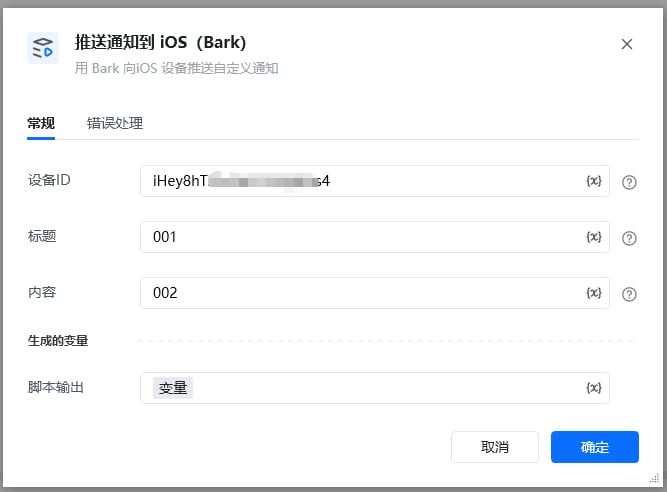
设备ID:上述在App中复制的URL中的key部分。
标题:通知标题。
内容:通知内容。
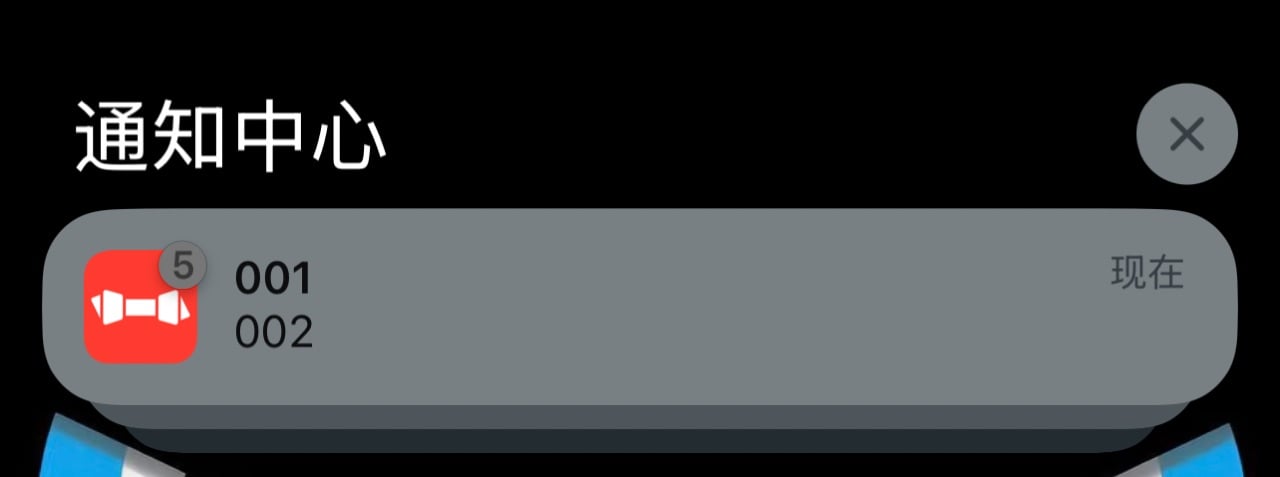
 手机端效果
手机端效果
 运行成功返回内容
\{
"code": 200,
"message": "success",
"timestamp": 1763002774
使用指令过程中遇到问题?前往 [八爪鱼RPA 开发者社区问答板块](https://rpa.bazhuayu.com/community/questions) 提问,获取官方与社区帮助。
运行成功返回内容
\{
"code": 200,
"message": "success",
"timestamp": 1763002774
使用指令过程中遇到问题?前往 [八爪鱼RPA 开发者社区问答板块](https://rpa.bazhuayu.com/community/questions) 提问,获取官方与社区帮助。