> ## Documentation Index
> Fetch the complete documentation index at: https://rpa.bazhuayu.com/helpcenter/llms.txt
> Use this file to discover all available pages before exploring further.
# 图生图
## 一、指令描述
制该指令用于在AI 图生图 自动作图,支持批量作图,涵盖了工作图片需求
图片质量:1k,
图片比例:1:1、9:16、16:9、4:3、3:4,
并发(单key):10,
模型:gpt-image2、codex-gpt-image-2
## 二、核心参数
api-key:密钥
model:模型(gpt-image-2、codex-gpt-image-2)
prompt:提示词
图片比例:1:1(正方形)、16:9(横版)、4:3(横版)、9:16(竖版)、3:4(竖版)
源文件:修改的目标图片文件,后缀:\*.png; \*.jpg
保存路径:修改后保存的目录
保存文件名:生成后保存的文件名,后缀:\*.png; \*.jpg
图片保存路径:本地保存一份,输出结果是文件完整路径,列表
## 三、经典案例
### - 案例一:源图: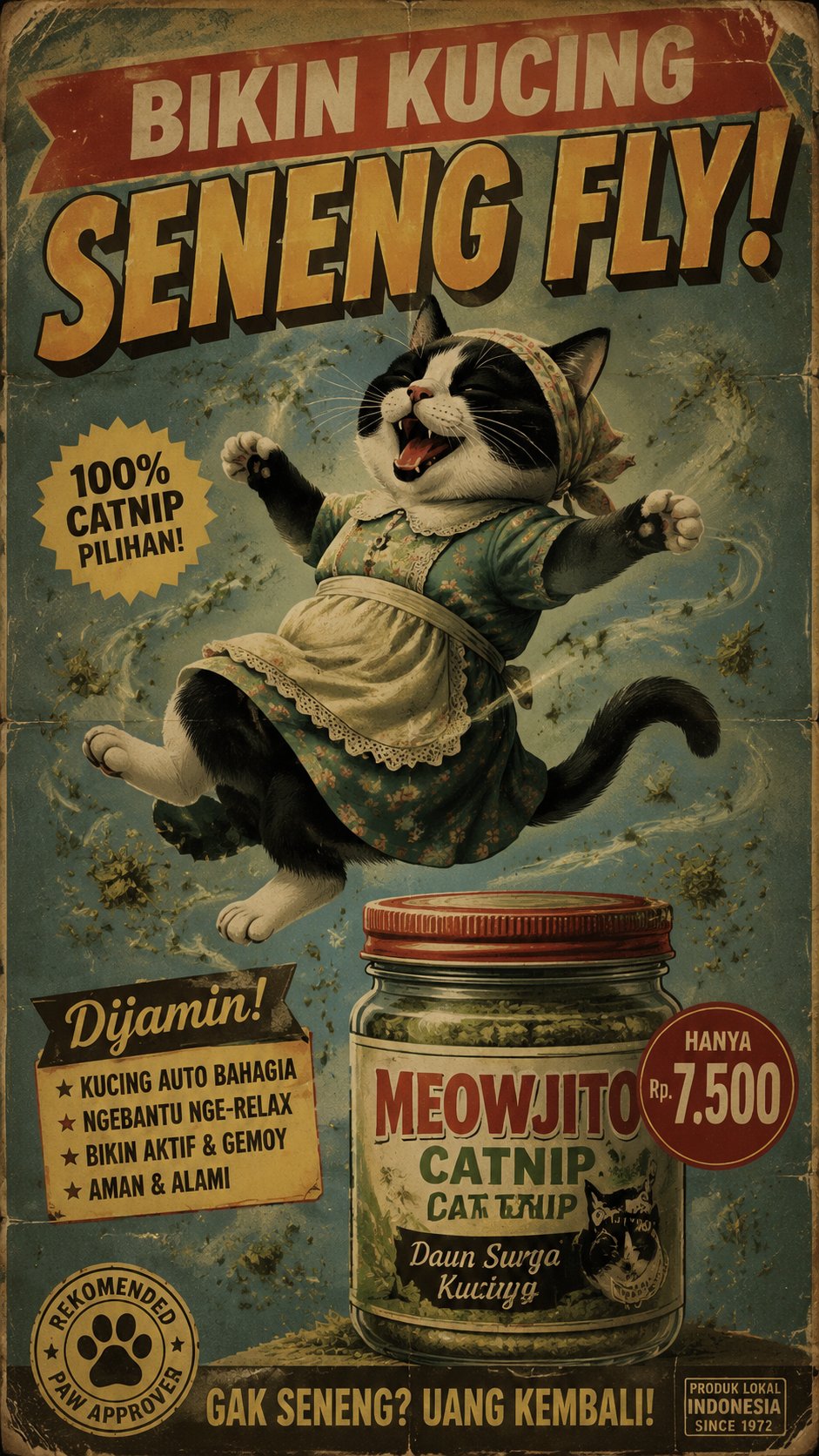 ### 注意事项:
•图片质量越高,出图速度越慢,无图片质量要求,请使用1k。
使用指令过程中遇到问题?前往 [八爪鱼RPA 开发者社区问答板块](https://rpa.bazhuayu.com/community/questions) 提问,获取官方与社区帮助。
### 注意事项:
•图片质量越高,出图速度越慢,无图片质量要求,请使用1k。
使用指令过程中遇到问题?前往 [八爪鱼RPA 开发者社区问答板块](https://rpa.bazhuayu.com/community/questions) 提问,获取官方与社区帮助。