> ## Documentation Index
> Fetch the complete documentation index at: https://rpa.bazhuayu.com/helpcenter/llms.txt
> Use this file to discover all available pages before exploring further.
# TEMU-对账中心-导出列表+账务详情
# Temu-账户资金-导出列表+账务详情
## 描述
该指令实现了Temu店铺 账户资金模块的财务明细,导出列表与财务详情
## 配置
输入
网页对象: web\_page, 待操作的网页对象
开始日期: str, 选择报表的开始时间 格式为 YYYY-MM-DD
结束日期: str, 选择报表的结束时间 格式为 YYYY-MM-DD
保存文件夹: str, 文件的保存地址
## 使用说明
### 场景
[https://seller.kuajingmaihuo.com/labor/bill\[https://seller.kuajingmaihuo.com/labor/bill](https://seller.kuajingmaihuo.com/labor/bill\[https://seller.kuajingmaihuo.com/labor/bill)]\([https://seller.kuajingmaihuo.com/labor/bill](https://seller.kuajingmaihuo.com/labor/bill))
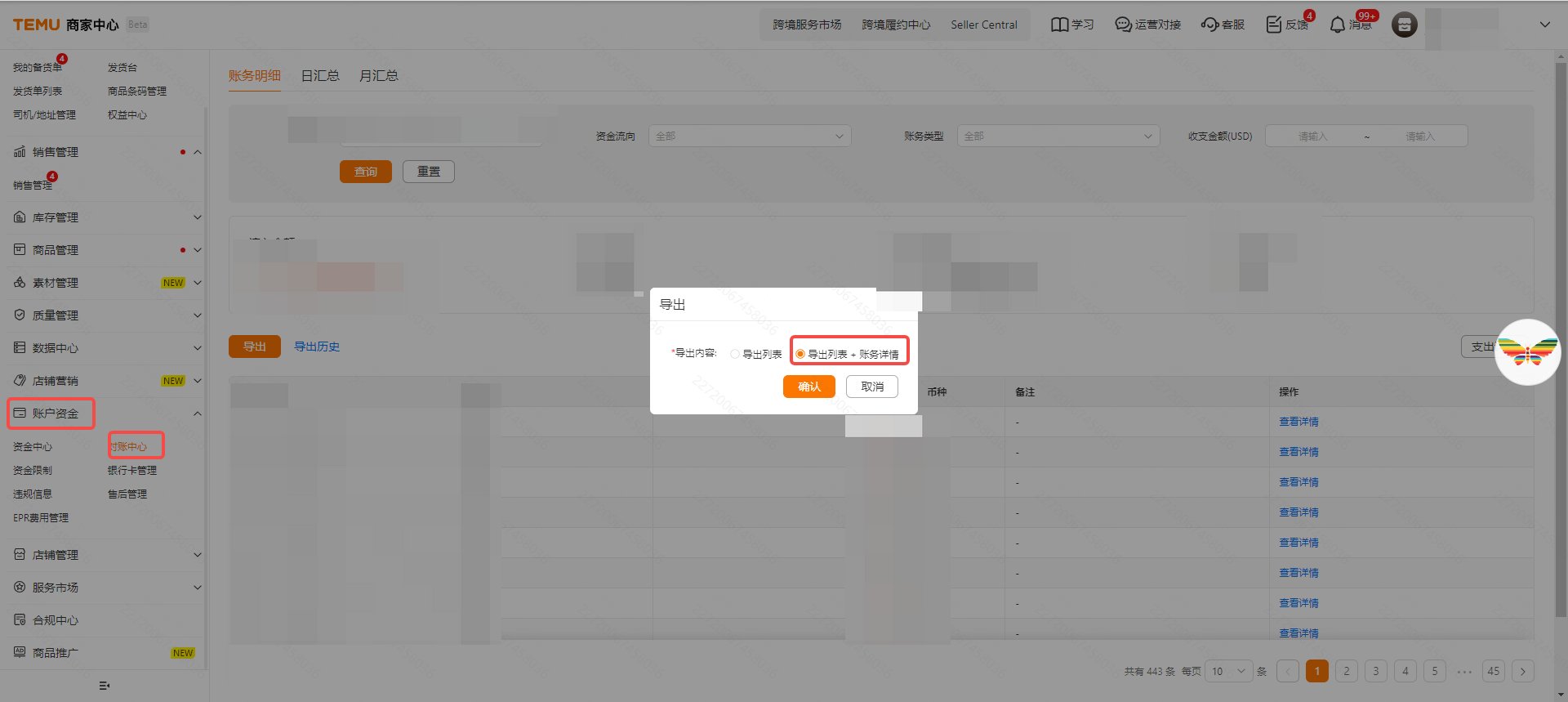 参考流程
参考流程
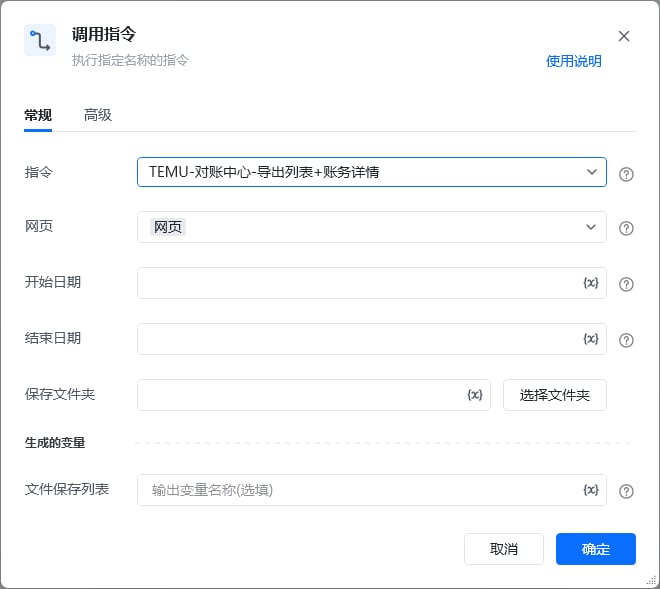 输出结果
使用指令过程中遇到问题?前往 [八爪鱼RPA 开发者社区问答板块](https://rpa.bazhuayu.com/community/questions) 提问,获取官方与社区帮助。
输出结果
使用指令过程中遇到问题?前往 [八爪鱼RPA 开发者社区问答板块](https://rpa.bazhuayu.com/community/questions) 提问,获取官方与社区帮助。