> ## Documentation Index
> Fetch the complete documentation index at: https://rpa.bazhuayu.com/helpcenter/llms.txt
> Use this file to discover all available pages before exploring further.
# 文叔叔-上传文件
# 一.功能描述
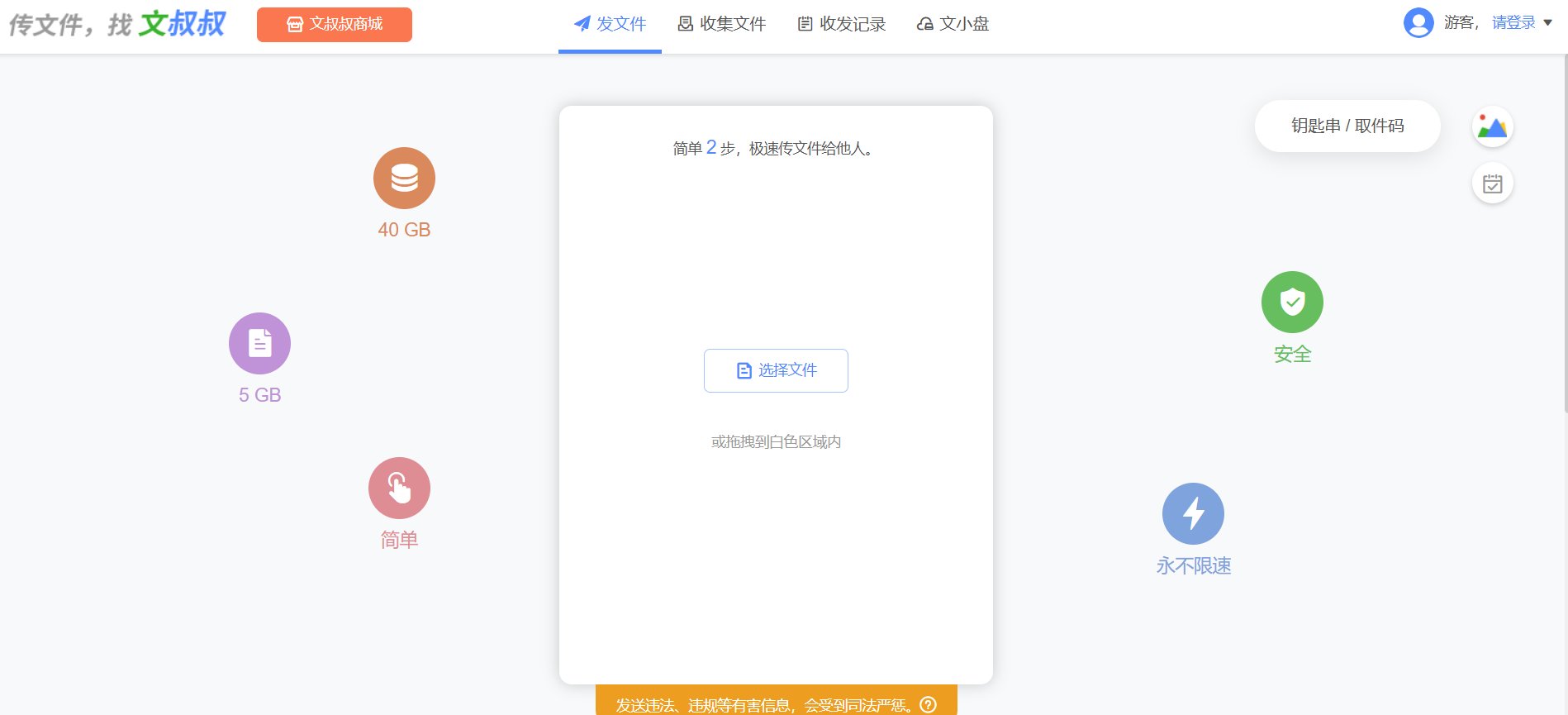
该指令用于在第三方网页文叔叔上传文件,并返回下载文件链接。
注:第三方网页不保证文件保密性,请根据场景使用,文件链接仅保存24小时。
官方网址:[https://www.wenshushu.cn/](https://www.wenshushu.cn/)
 # 二.使用说明
## 输入参数
网页对象:
传入任意已打开的网页对象,如:百度(指令会跳转到文叔叔上传页面)。
上传方式:
选择上传的方式(单/多个文件、整个文件夹)。
文件路径:
【上传方式】选择【单个文件】:选择上传的文件。
文件列表:
【上传方式】选择【多个文件】:传入待上传文件的绝对路径列表。。
文件夹路径:
【上传方式】选择【整个文件夹】:选择需要上传的文件夹。
## 高级
等待上传时间:
请输入等待上传时间,默认300秒。
## 输出参数:
文件链接:
返回文件下载链接。
# 三.使用演示
# 二.使用说明
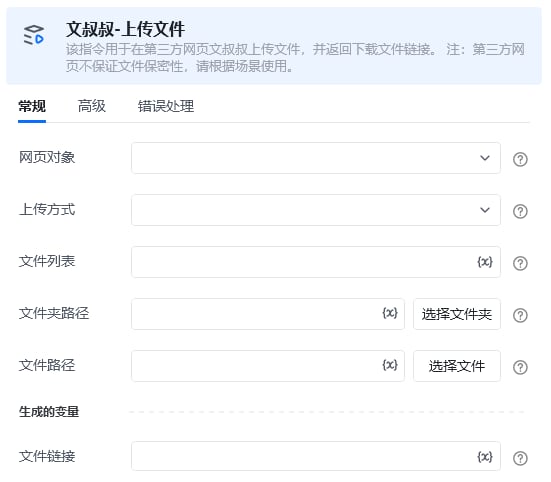
## 输入参数
网页对象:
传入任意已打开的网页对象,如:百度(指令会跳转到文叔叔上传页面)。
上传方式:
选择上传的方式(单/多个文件、整个文件夹)。
文件路径:
【上传方式】选择【单个文件】:选择上传的文件。
文件列表:
【上传方式】选择【多个文件】:传入待上传文件的绝对路径列表。。
文件夹路径:
【上传方式】选择【整个文件夹】:选择需要上传的文件夹。
## 高级
等待上传时间:
请输入等待上传时间,默认300秒。
## 输出参数:
文件链接:
返回文件下载链接。
# 三.使用演示
 使用指令过程中遇到问题?前往 [八爪鱼RPA 开发者社区问答板块](https://rpa.bazhuayu.com/community/questions) 提问,获取官方与社区帮助。