> ## Documentation Index
> Fetch the complete documentation index at: https://rpa.bazhuayu.com/helpcenter/llms.txt
> Use this file to discover all available pages before exploring further.

# 京东商智登录（商家版）

# 一.功能描述

该指令实现了登录京东商智商家版登录

# 二.使用参数说明

## 1.输入参数

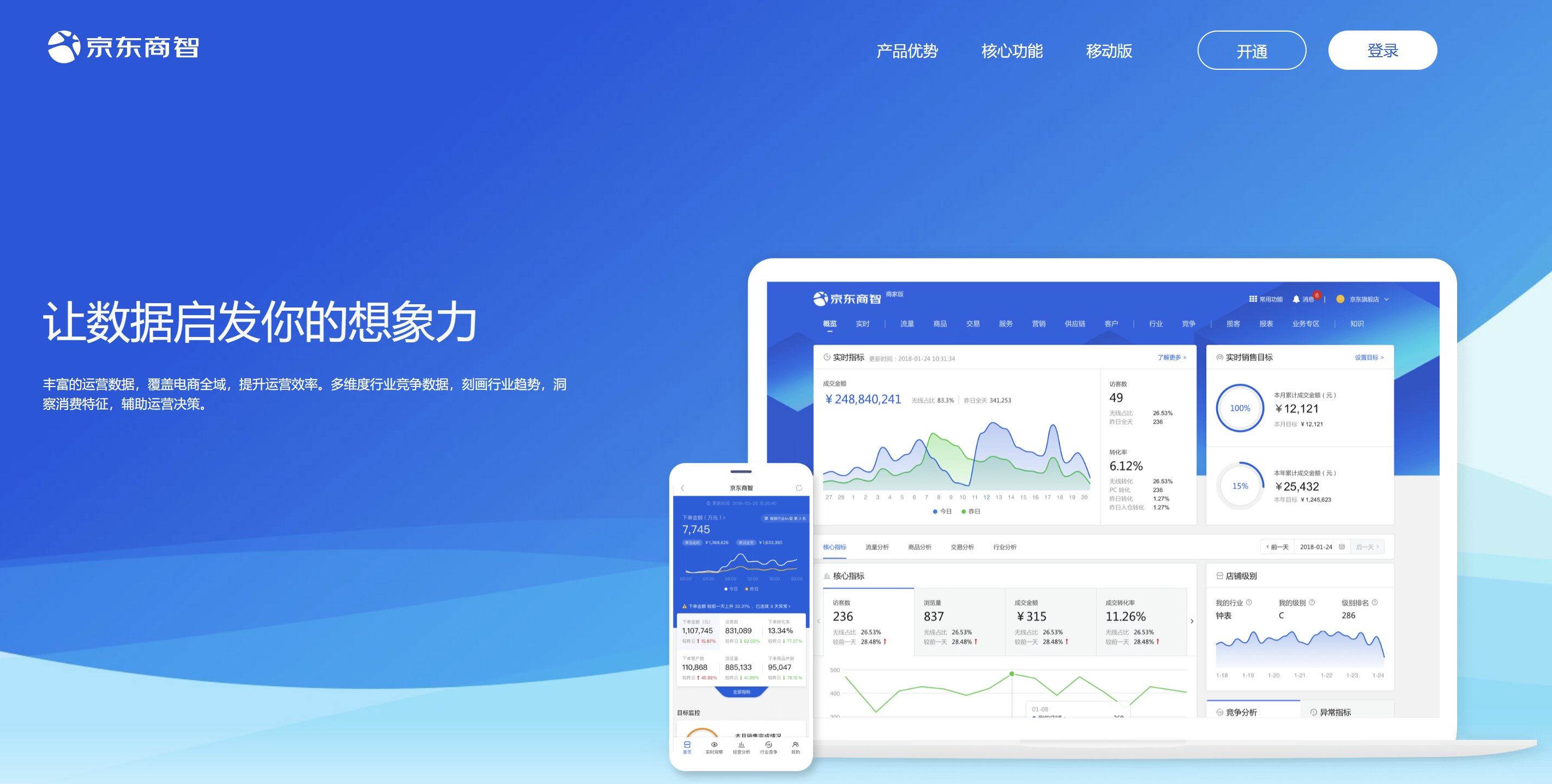
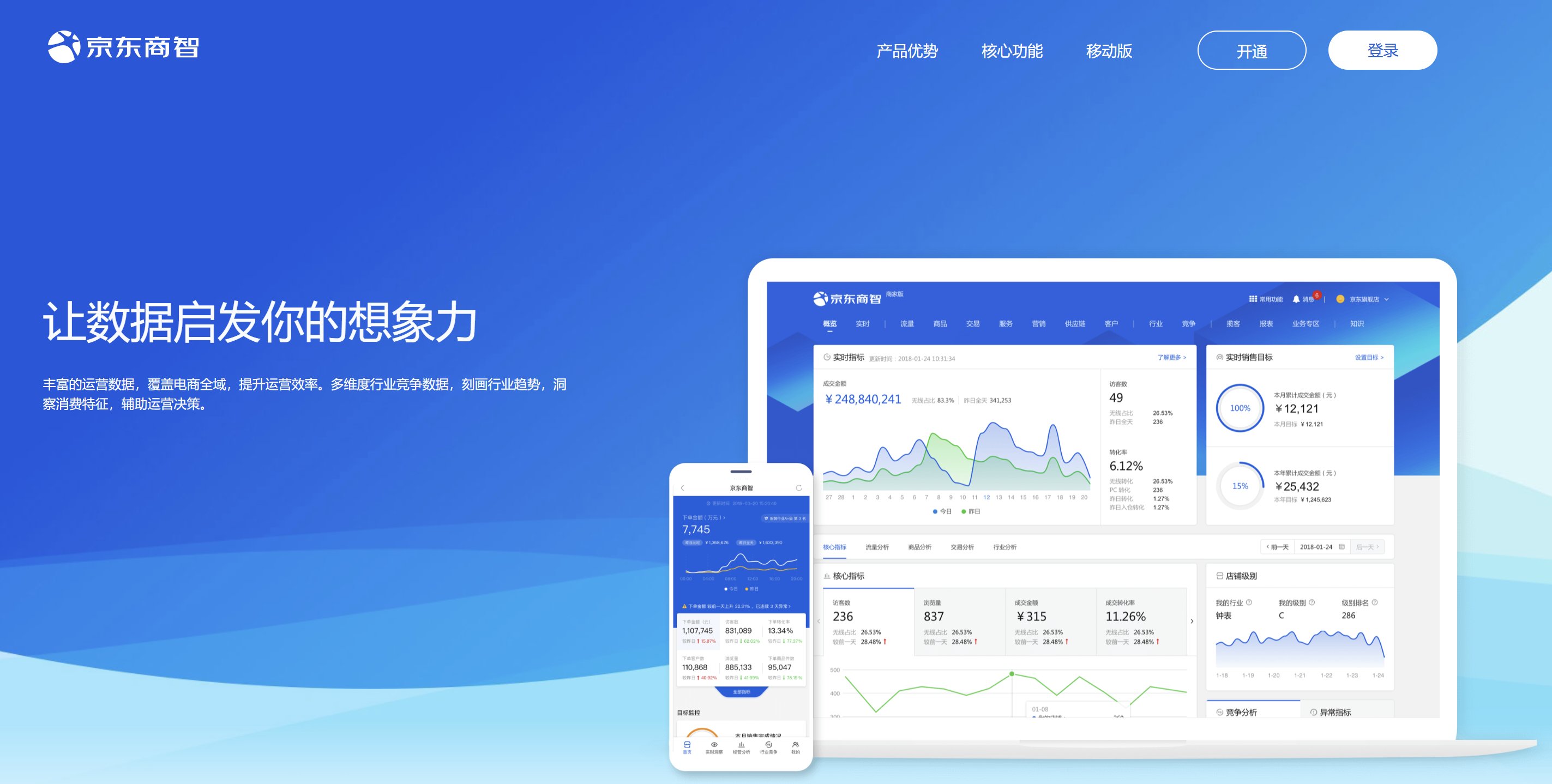
网页对象：京东商智（商家版）登陆页面的网页对象

<img src="https://mintcdn.com/bazhuayu-rpa-docs/fkelk-KKO1W71Pr3/helpcenter/commands/custom-commands/izPi8DRQ/images/6VU5sAFA-01.png?fit=max&auto=format&n=fkelk-KKO1W71Pr3&q=85&s=c52eb17ba46446ad8619a3bebd725b8e" alt="image" width="2846" height="1438" data-path="helpcenter/commands/custom-commands/izPi8DRQ/images/6VU5sAFA-01.png" />

账号：需要登录的账号

密码：需要登录账号的密码

偏移量：当滑块按钮移动距离不能完成拼图时，可以通过偏移量进行微调，如每次滑动距离都差3px，则输入3，滑动距离超过4px，则输入-4

## 2.输出参数

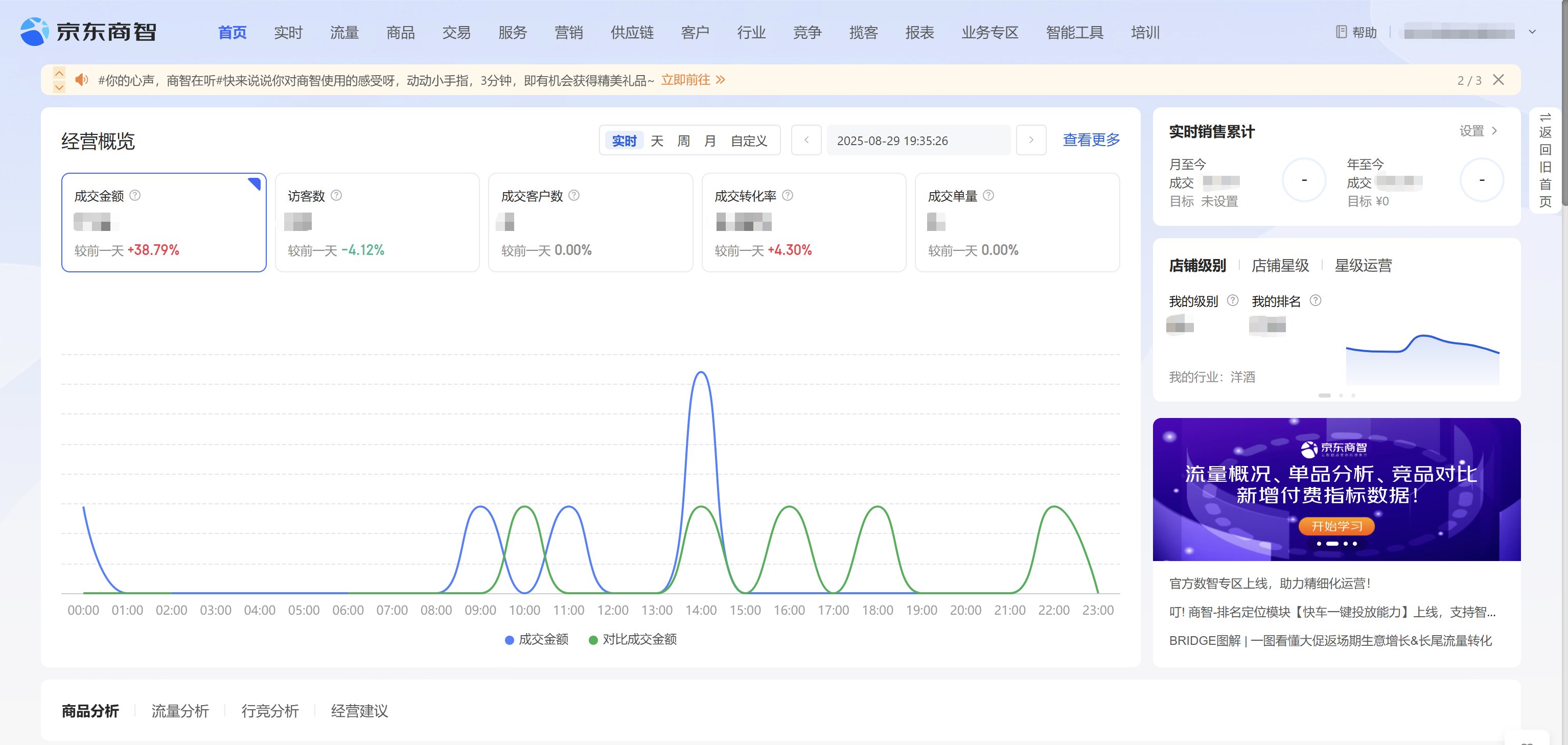
已登录网页: 输出登录完成的网页对象

# 三.结果样例及展示说明

使用前：

<img src="https://mintcdn.com/bazhuayu-rpa-docs/fkelk-KKO1W71Pr3/helpcenter/commands/custom-commands/izPi8DRQ/images/6VU5sAFA-02.png?fit=max&auto=format&n=fkelk-KKO1W71Pr3&q=85&s=0c634a59a1e8b159cc523de96ce12071" alt="image" width="2846" height="1438" data-path="helpcenter/commands/custom-commands/izPi8DRQ/images/6VU5sAFA-02.png" />

使用后：

<img src="https://mintcdn.com/bazhuayu-rpa-docs/fkelk-KKO1W71Pr3/helpcenter/commands/custom-commands/izPi8DRQ/images/6VU5sAFA-03.png?fit=max&auto=format&n=fkelk-KKO1W71Pr3&q=85&s=50d259c8e68ec55f8f1e530af2d70a06" alt="image" width="3068" height="1458" data-path="helpcenter/commands/custom-commands/izPi8DRQ/images/6VU5sAFA-03.png" />

<Info>
  使用指令过程中遇到问题？前往 [八爪鱼RPA 开发者社区问答板块](https://rpa.bazhuayu.com/community/questions) 提问，获取官方与社区帮助。
</Info>