> ## Documentation Index
> Fetch the complete documentation index at: https://rpa.bazhuayu.com/helpcenter/llms.txt
> Use this file to discover all available pages before exploring further.

# Try

## 指令说明

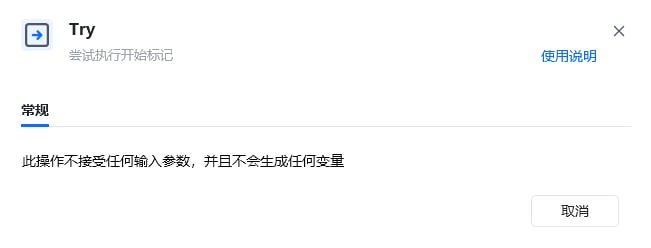
**描述：** 执行受保护的指令区域；当区域内发生异常时，将流程转入对应的【失败时执行】区域。

## 参数说明

<Tabs>
  <Tab title="常规">
    <img src="https://mintcdn.com/bazhuayu-rpa-docs/v_rTeoLOdoPnGE6I/helpcenter/commands/others/images/trycommand-01.png?fit=max&auto=format&n=v_rTeoLOdoPnGE6I&q=85&s=88bd7d26c134590f5dbd197eea7f6a4e" alt="Try指令参数面板" width="651" height="248" data-path="helpcenter/commands/others/images/trycommand-01.png" />
  </Tab>
</Tabs>

## 使用示例

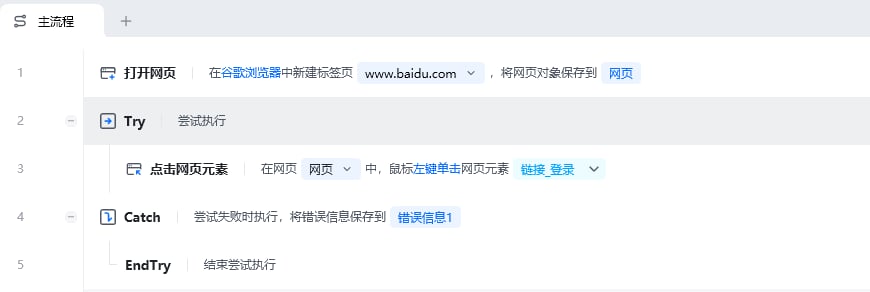
<img src="https://mintcdn.com/bazhuayu-rpa-docs/v_rTeoLOdoPnGE6I/helpcenter/commands/others/images/trycommand-04.png?fit=max&auto=format&n=v_rTeoLOdoPnGE6I&q=85&s=09719225ba96ac948540cf7aca542658" alt="Try使用示例" width="870" height="292" data-path="helpcenter/commands/others/images/trycommand-04.png" />

**该流程执行逻辑：**

使用【打开网页】指令打开八爪鱼官网

使用【Try】尝试执行下面的命令

尝试执行【点击网页元素】点击登录按钮元素

使用【Catch】捕获错误信息，并将错误信息保存到”错误信息“

执行【EndTry】结束尝试执行

### 效果展示

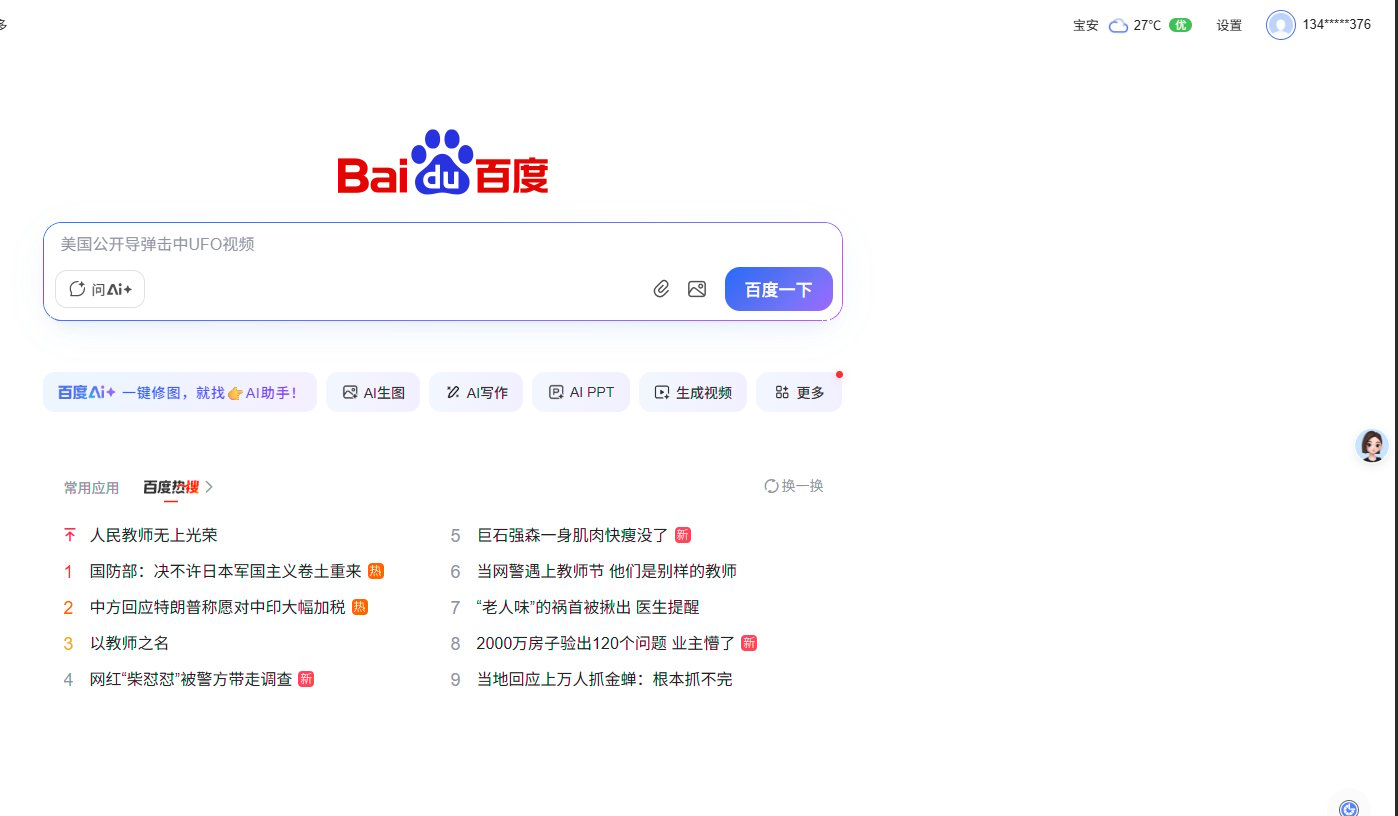
RPA运行前：

<img src="https://mintcdn.com/bazhuayu-rpa-docs/v_rTeoLOdoPnGE6I/helpcenter/commands/others/images/trycommand-03.png?fit=max&auto=format&n=v_rTeoLOdoPnGE6I&q=85&s=e61c99a564d08ecc82ad2bbf43429268" alt="Try效果展示 - RPA运行前" width="1398" height="816" data-path="helpcenter/commands/others/images/trycommand-03.png" />

RPA运行后：

<img src="https://mintcdn.com/bazhuayu-rpa-docs/v_rTeoLOdoPnGE6I/helpcenter/commands/others/images/trycommand-02.png?fit=max&auto=format&n=v_rTeoLOdoPnGE6I&q=85&s=1a04915a8ea13194e305e877650f5b88" alt="Try效果展示 - RPA运行后" width="1353" height="240" data-path="helpcenter/commands/others/images/trycommand-02.png" />

<Info>
  使用指令过程中遇到问题？前往 [八爪鱼RPA 开发者社区问答板块](https://rpa.bazhuayu.com/community/questions) 提问，获取官方与社区帮助。
</Info>