> ## Documentation Index
> Fetch the complete documentation index at: https://rpa.bazhuayu.com/helpcenter/llms.txt
> Use this file to discover all available pages before exploring further.
# 应用开发界面
> 在流程编辑器中搭建、调试与管理自动化流程。
## 功能概述
应用开发界面即八爪鱼RPA 的流程编辑器,是搭建、调试和管理自动化流程的核心工作区。编辑器采用可视化拖拽方式,将左侧指令栏中的指令拖入中间流程栏并按业务逻辑排列,即可完成一个 RPA 应用的开发。
## 本类包含
流程编辑器顶部菜单的功能与用法。
流程编辑器左侧指令栏的功能与用法。
流程编辑器中间流程栏的功能与用法。
流程编辑器底部菜单的功能与用法。
流程编辑器右侧参数栏的功能与用法。
## 五大分区
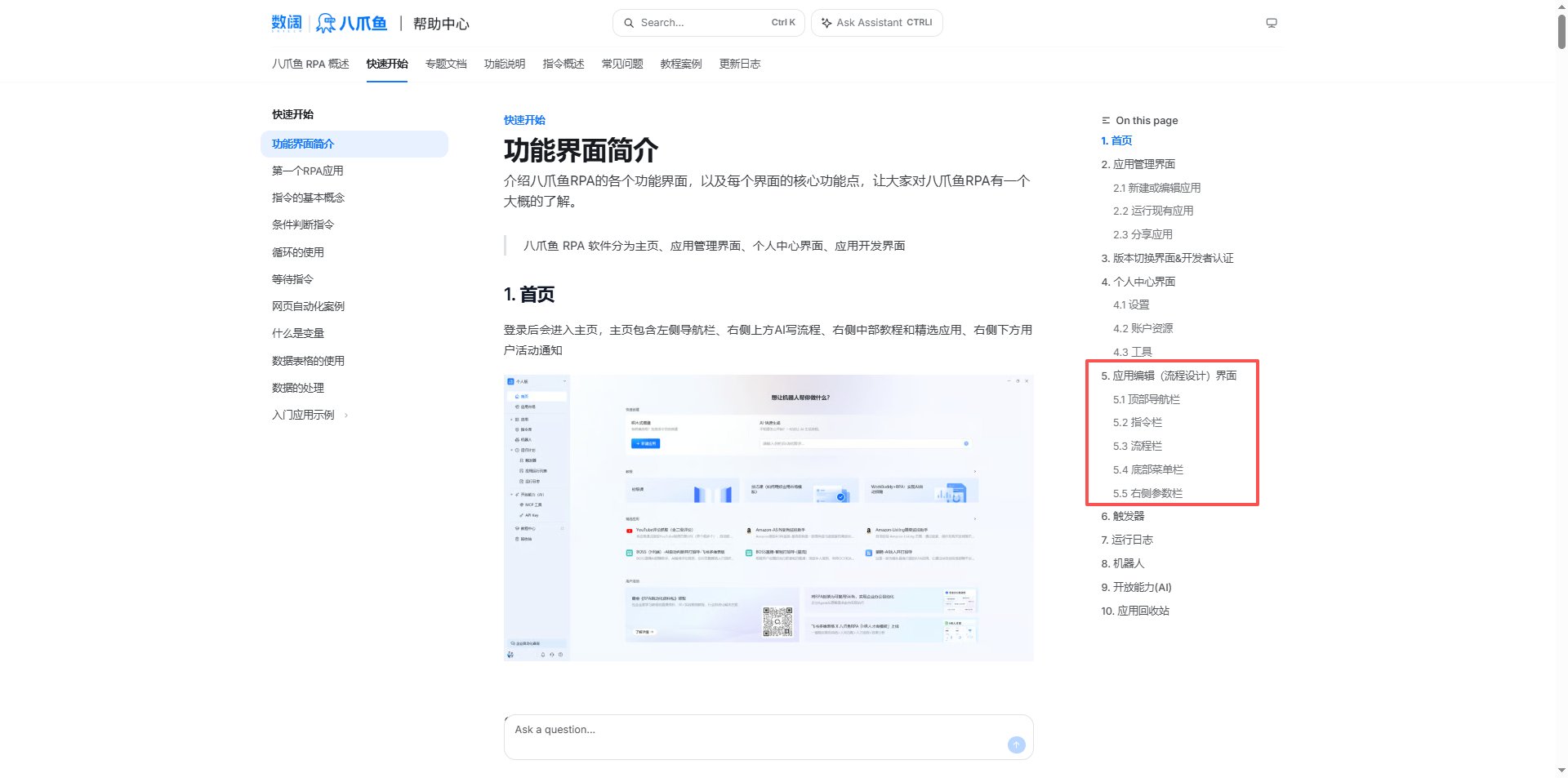 | 区域 | 说明 |
| ----- | ----------------------------- |
| 顶部导航栏 | 应用详情、保存、撤销/重做、数据采集、浏览器、运行、工具箱 |
| 左侧指令栏 | 按分类展示所有可用指令,支持搜索与收藏 |
| 中间流程栏 | 流程编排主区域,可拖拽指令、右键编辑、设置断点 |
| 底部菜单栏 | 错误列表、运行日志、变量值、查找引用 |
| 右侧参数栏 | AI 写流程、子流程、变量、元素、Python 包管理 |
## 使用流程
1. 在「应用管理界面」新建或编辑应用,进入流程编辑器。
2. 从左侧指令栏搜索并拖拽指令到中间流程栏。
3. 在右侧参数栏配置指令参数、变量与元素。
4. 使用底部菜单栏的运行日志与错误列表调试流程。
5. 保存应用并返回应用管理界面运行或分享。
使用过程中遇到问题?前往 [八爪鱼RPA 开发者社区问答板块](https://rpa.bazhuayu.com/community/questions) 提问,获取官方与社区帮助。
| 区域 | 说明 |
| ----- | ----------------------------- |
| 顶部导航栏 | 应用详情、保存、撤销/重做、数据采集、浏览器、运行、工具箱 |
| 左侧指令栏 | 按分类展示所有可用指令,支持搜索与收藏 |
| 中间流程栏 | 流程编排主区域,可拖拽指令、右键编辑、设置断点 |
| 底部菜单栏 | 错误列表、运行日志、变量值、查找引用 |
| 右侧参数栏 | AI 写流程、子流程、变量、元素、Python 包管理 |
## 使用流程
1. 在「应用管理界面」新建或编辑应用,进入流程编辑器。
2. 从左侧指令栏搜索并拖拽指令到中间流程栏。
3. 在右侧参数栏配置指令参数、变量与元素。
4. 使用底部菜单栏的运行日志与错误列表调试流程。
5. 保存应用并返回应用管理界面运行或分享。
使用过程中遇到问题?前往 [八爪鱼RPA 开发者社区问答板块](https://rpa.bazhuayu.com/community/questions) 提问,获取官方与社区帮助。